ATHLETIC SCHEDULING
Game contracts without the email chain
Draft the matchup, send to the opposing AD, get a signature back. Every contract has its own status, its own signatures, and a home that isn't your inbox.
High school athletic schedules still live in email threads
Most ADs spend a week each season chasing contracts — drafting, emailing PDFs, fielding counters, then trying to remember what got agreed. Hundreds of one-off documents a year, held together by a spreadsheet and your sent folder.
How it works
From draft to signed. In minutes.
Most ADs spend a week each season chasing contracts — drafting, emailing PDFs, fielding counters, then trying to remember what got agreed. Admittee replaces the whole loop with one workflow: draft, send, signed.
1
Draft the contract
Pick the activity, opponent, date, level, facility, fees. Agreement language pre-fills from your school's defaults.
2
Opponent signs
Branded landing page, no Admittee account. They sign by typing their name, or counter — the back-and-forth is tracked.
3
On the calendar
Both signatures captured. Events created on both schools' calendars. Ticketing publishes if you've configured types.
One tool for every type of matchup
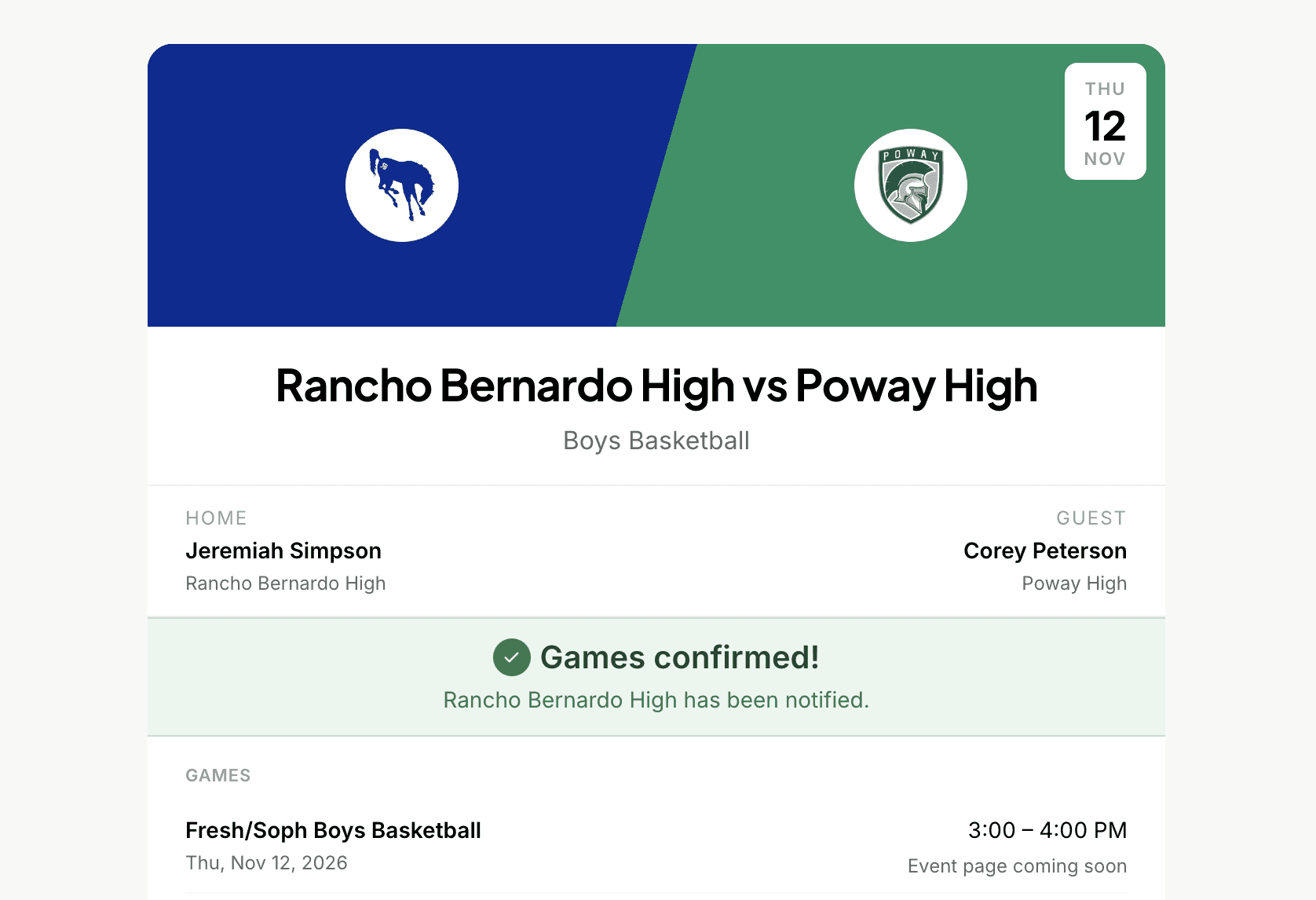
Head-to-Head proposals
One home school, one visiting school. Set the date, time, level, and facility. The visiting AD reviews and responds. Used for regular season games and playoff matchups.
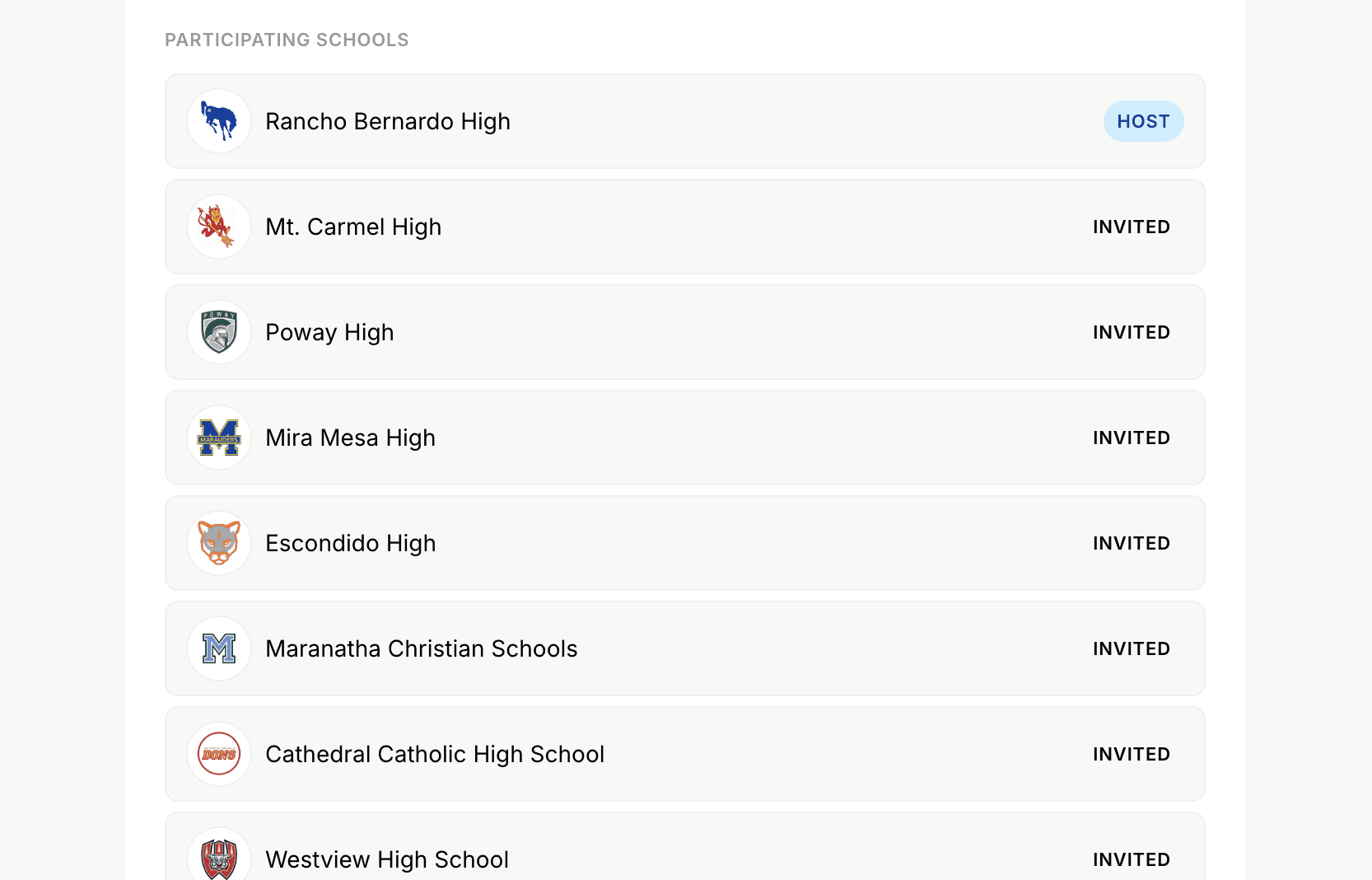
Invitational proposals
Hosting a tournament or invitational? Invite multiple schools in a single proposal. Manage responses from all participants in one place.
Every detail that matters for athletic scheduling
Counter-proposals
The opposing AD can suggest different times instead of just accepting or declining. You review their suggestion and accept or edit. The back-and-forth is tracked — no more losing changes in an email thread.
Works with any opponent
The recipient doesn't need an Admittee account. They receive a public landing page, review the proposal, and respond. Confirmation works the same either way.
Agreement language & defaults
Set your school's agreement terms, notes, and fee structures once. They pre-fill every new proposal automatically. No starting from scratch each time.
Activity history
Every action — sent, viewed, edited, accepted, reminder fired — is timestamped and visible to both sides. When a question comes up mid-season, the answer is always there.
Pre-game reminder emails
Automatic reminders go out to both schools before the game. Configurable days in advance. One less thing to remember.
Auto-publish to ticket sales
If your event has ticket types configured, acceptance can trigger automatic publishing. The game is confirmed and on sale — without any extra steps.
Athletic Director
Replace the email threads and phone tag that come with building a schedule. Send proposals, collect confirmations, and keep your season organized — all from one calendar.
Activities Director
Coordinate games and tournaments alongside the rest of your campus events. One shared system for everything that lives on your calendar — not a separate tool just for athletics.
Coaches and program leads
Schedule updates land on your calendar automatically. Once a proposal is accepted, you get the game with reminders, locations, and any agreed-upon details — no AD chasing required.
Opposing-school ADs
Just received a proposal? You don't need an Admittee account to respond. Review the matchup, accept or counter, and you're done. Your school can send proposals like this too.
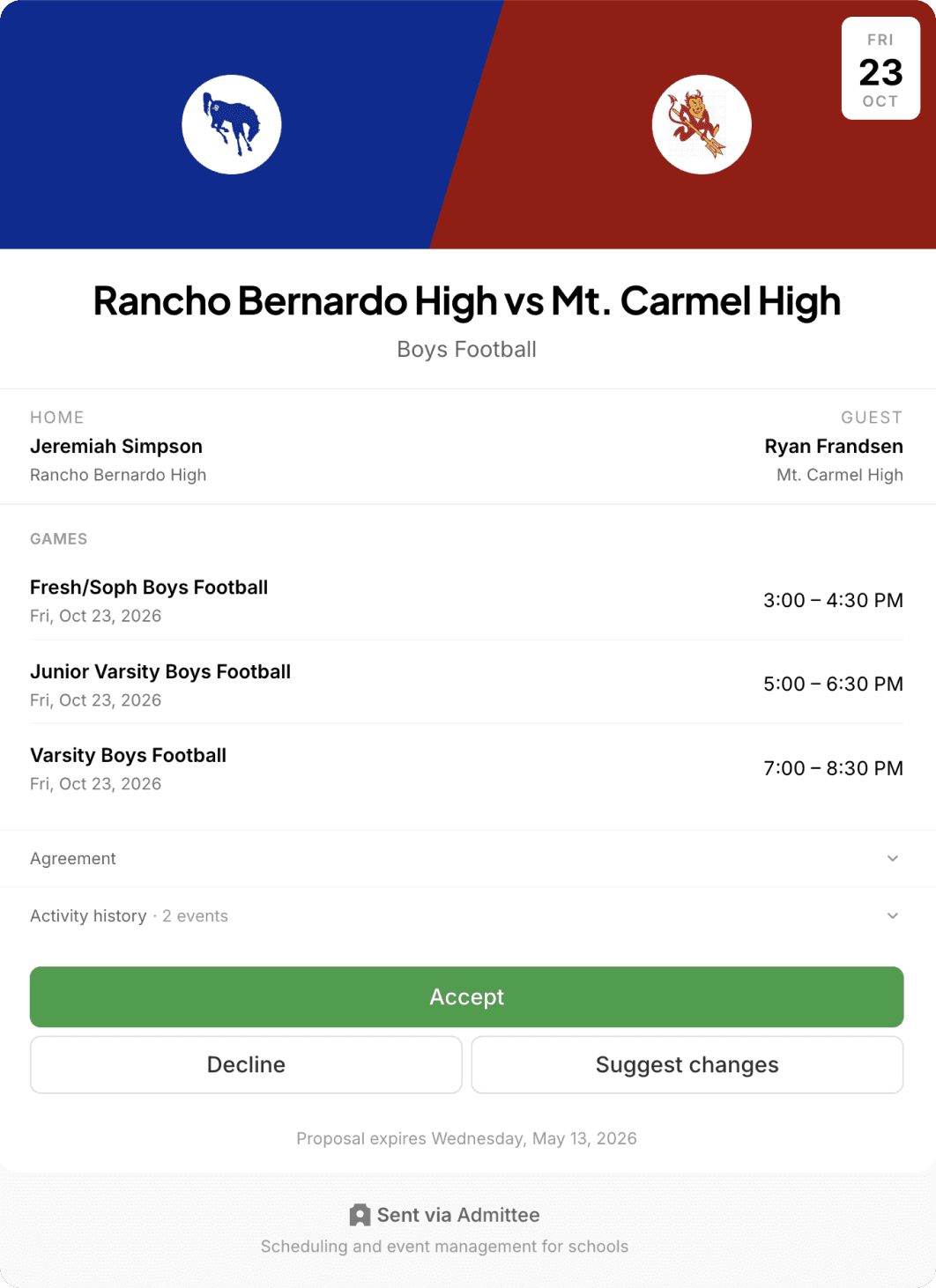
Game Proposals are just the start
Confirmed games connect to your facility calendar, your event setup, and your ticketing — so when a game is scheduled, everything else follows automatically.
Trusted by schools and organizations across the country





Common questions about Game Proposals
Build your schedule without the back-and-forth
Send your first proposal in minutes. No setup fees, no contracts.