Run the gate from your phones.
Scan at the gate, sell the walk-up, take tap to pay and run concessions — from the same app, on staff and volunteer phones, with no hardware to buy first.
353354355
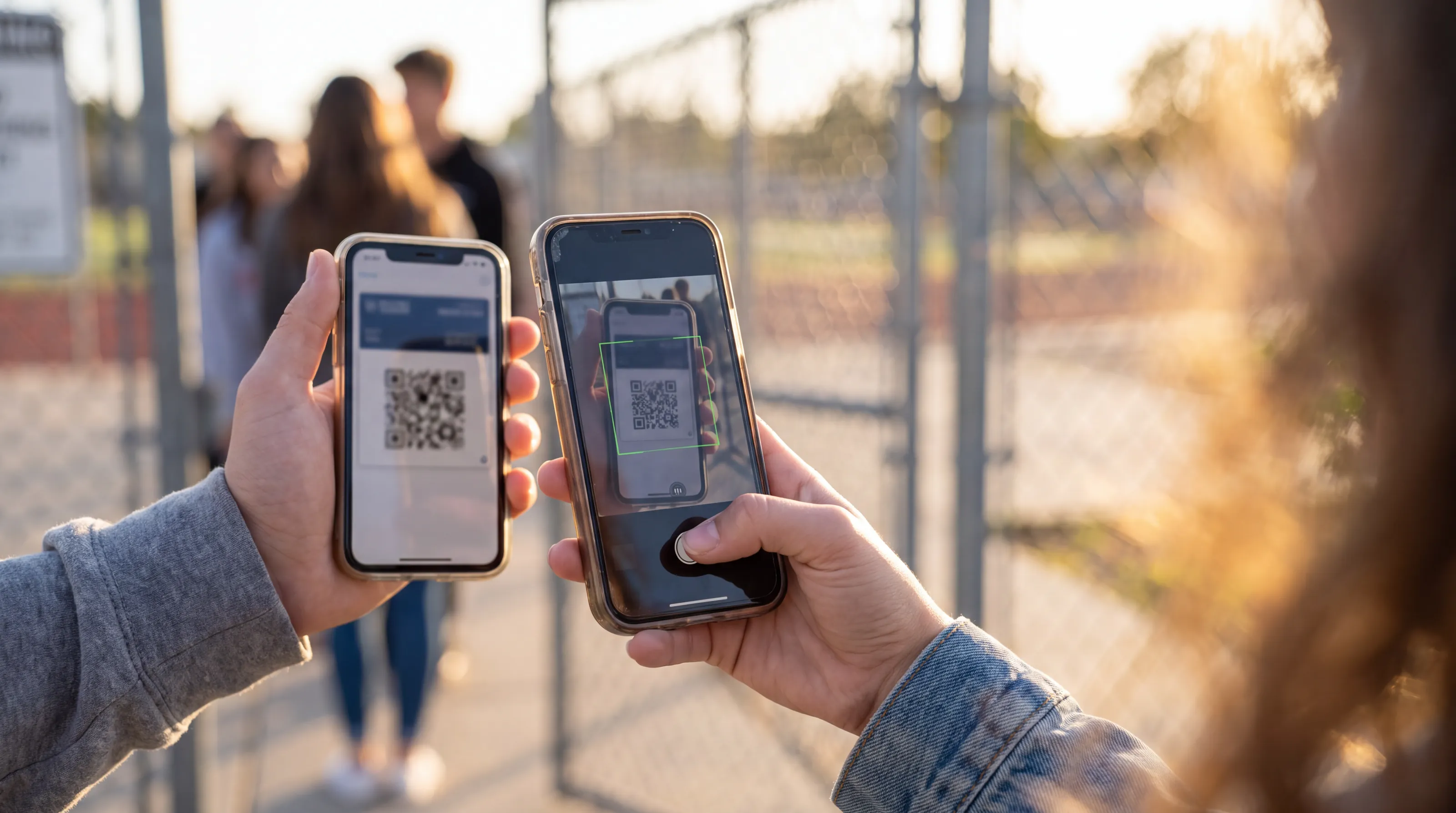
One phone runs the gate and the stand.
Scan tickets, sell the walk-up, ring up concessions and watch the count, on the staff and volunteer phones you already have. Shown here as an animation of the app.
The gate is where a system is actually tested.
Everything else happens at a desk with time to think. The gate happens in the dark, in the cold, with a queue, run by a volunteer who was handed a phone ten minutes ago and a parent insisting they bought a ticket.
So the job here is not features. It is that a person who has never seen the app can scan a ticket, take $8 from someone who did not buy one, and know whether the pass in front of them is real.
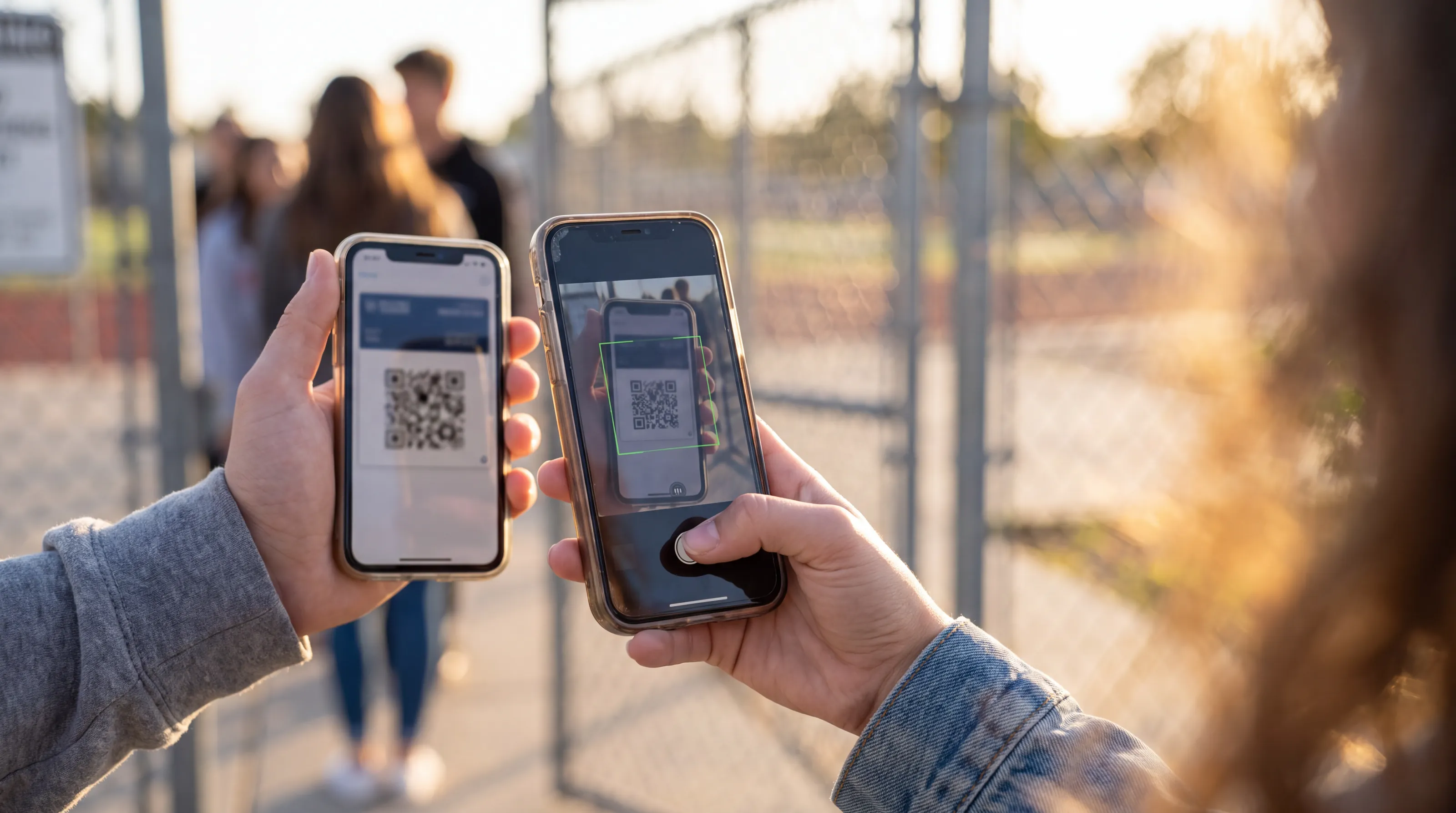 355 scanned
What it does.
Scan anything you sold
Tickets, season passes, flex passes and memberships, on a phone or a tablet, online or with the signal you actually have.
Sell at the gate
The walk-up who did not buy in advance, at the same prices, into the same report.
Tap to pay
Card on a phone, no reader required. A reader is an option, not a prerequisite.
Concessions
An item grid on the same phones as the gate, card-present at 2.8% + $0.20, into the same report as the tickets.
Multiple gates
More than one entrance, each scanning into the same count, so the number at the end is the number.
It reconciles itself
Gate sales, concessions and advance tickets land in one report, split into total, fees and net.
Concessions lets our admin team see exactly what is selling per event instead of a blanket shared revenue amount.

Brent handles technology at Foundation Academy, where every gate scan and every hot dog lands on the event it belongs to.
Read the Foundation Academy storyQuestions
What hardware do we need?
A phone. Tap to pay works on the devices staff already carry; readers exist if you prefer them, and so do tablets for a busier gate.
What if the wifi is bad?
That is the normal case in a gym, and scanning is built for it rather than assuming a good connection.
Can volunteers use it without training?
That is the design constraint. Roles limit what a volunteer can reach, so handing someone a phone does not hand them the settings.