ATHLETIC SCHEDULING
Game contracts without the email chain
Draft the matchup, send to your opponent, and lock it in. Every contract has its own status, signatures, and a payment trail — without chasing email threads.
High school athletic schedules still live in email threads
Most ADs spend a week each season chasing contracts — drafting, emailing PDFs, fielding counters, then trying to remember what got agreed. Hundreds of one-off documents a year, held together by a spreadsheet and your sent folder.
How it works
From draft to signed. In minutes.
Most ADs spend a week each season chasing contracts — drafting, emailing PDFs, fielding counters, then trying to remember what got agreed. Admittee replaces the whole loop with one workflow: draft, send, signed.
1
Draft the contract
Draft the details and location. Agreement language pre-fills from your school's defaults. Your signature is captured at send — no need to sign later.
2
Opponent signs
Branded landing page, no account required. The opposing AD reviews each event, accepts or declines independently, and signs by typing their name.
3
Calendar automates
Confirmed events appear on your calendar and confirmation is sent to both parties. Ticketing pages auto publish and reminder emails are sent before the event.
One tool for every type of matchup
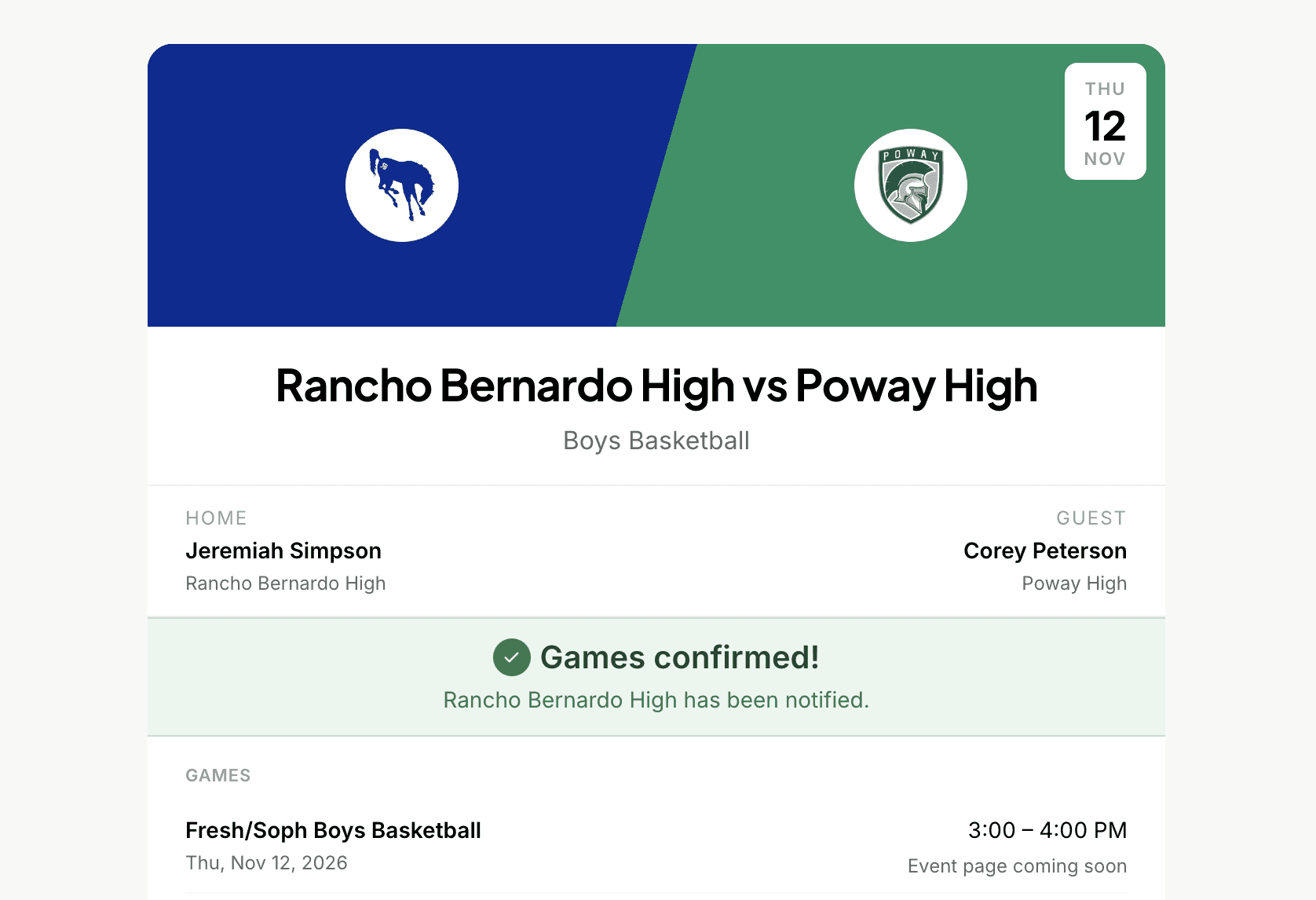
Head-to-Head contracts
One opponent, one matchup. Send Varsity, JV, and Freshman in a single contract. The opposing AD reviews each event independently and signs once. Used for regular season games and playoff matchups.
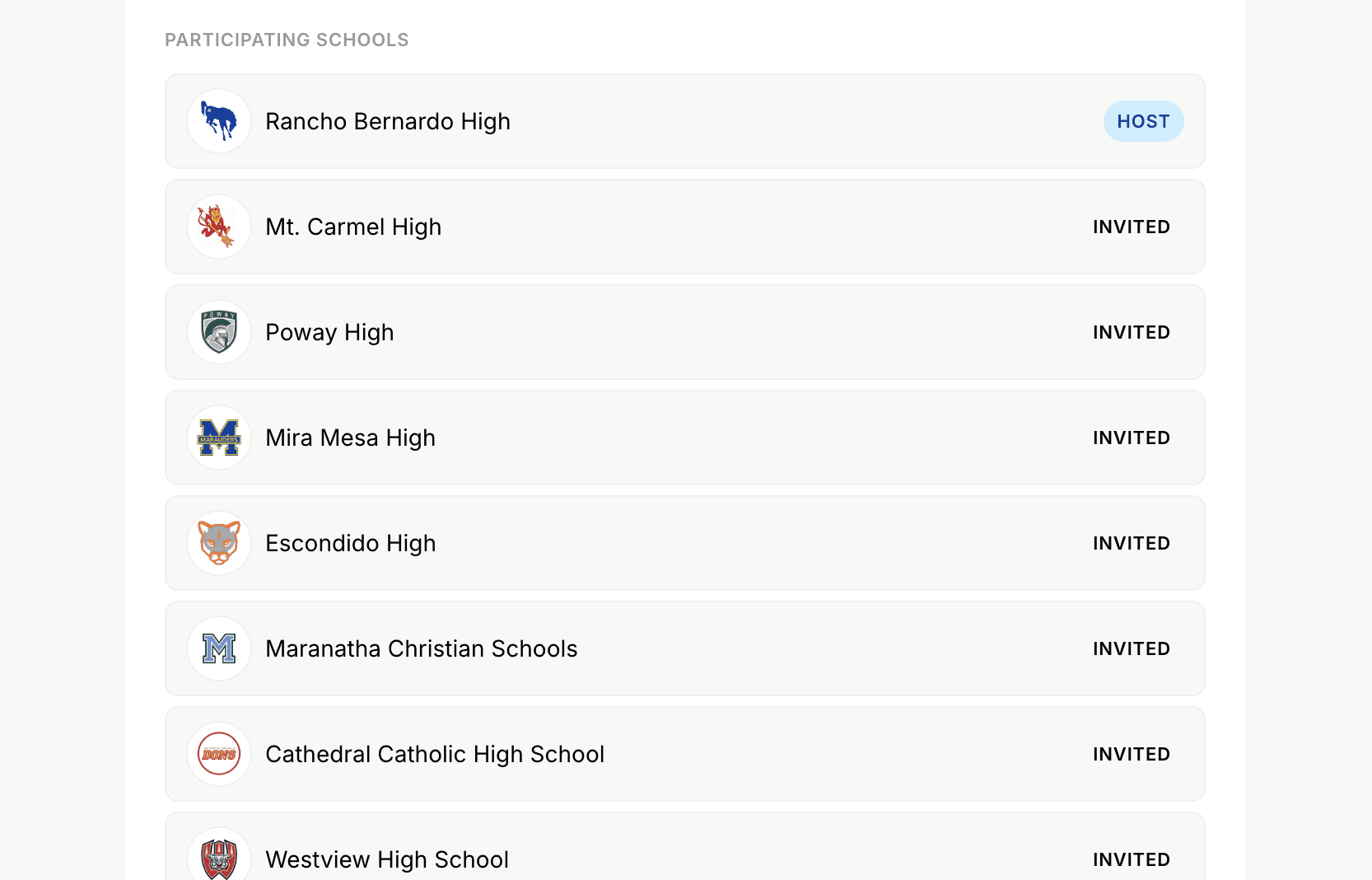
Invitational contracts
Hosting a tournament? Invite multiple schools and stack Varsity and JV under one contract. Each school gets their own link, signs independently, and pays their own entry fee. See who's signed and send bulk reminders in one click.
Every detail that matters for athletic scheduling
Digital signatures
Sign by typing your name. The host signs at send, the visiting AD signs on receipt — both signatures lock together as the record. No PDFs, no scanning, no chasing.
Counter-offers
The opposing AD can suggest a different time or facility instead of just signing. You review and accept or edit, and every change is timestamped.
Multiple events
Stack multiple events in one contract. The opposing AD reviews each one independently — accept Varsity, decline JV, counter Freshman. No all-or-nothing trap.
Collect payments inline
Payment flows are built in. The opposing school routes fee requests to their business office in one click. Saved contacts auto-fill on future contracts.
Works with any opponent
Recipients don't need an Admittee account. They get a public landing page with the matchup, terms, and a place to sign — that's it.
Auto-publish to ticket sales
A signed contract triggers the event on your ticketing automatically — if you've configured types, the game is on sale without any extra steps.
Athletic Director
Replace the email threads and phone tag that come with building a schedule. Send contracts, collect signatures, and keep your season organized — all from one calendar.
Activities Director
Coordinate games and tournaments alongside the rest of your campus events. One shared system for everything that lives on your calendar — not a separate tool just for athletics.
Coaches and program leads
Schedule updates land on your calendar automatically. Once a contract is signed, you get the game with reminders, locations, and any agreed-upon details — no AD chasing required.
Opposing-school ADs
Just received a contract? You don't need an Admittee account to respond. Review the matchup, sign, and you're done. Your school can send contracts and away-game requests like this too.
For Activities Directors
One calendar for games and everything else
Athletics shouldn’t live in a separate tool. Game contracts flow onto the same shared calendar as concerts, meetings, and facility bookings — so your whole campus stays in sync.
1
Games join your events
Signed contracts drop games onto the shared calendar alongside every other event your school runs.
2
Conflicts surface early
Because athletics and activities share one system, double-bookings show up before they become a problem.
3
One source of truth
From the front office to coaches, everyone sees the same up-to-date schedule — no reconciling across tools.
1
Games arrive complete
When a contract is signed, the game appears with date, opponent, and location already filled in.
2
Reminders included
Agreed-upon details and reminders come along automatically — no AD chasing required.
3
Always current
Reschedules and changes sync to your calendar the moment they happen.
For Coaches & Program Leads
Your schedule, updated automatically
No more chasing your AD for details. Once a contract is signed, the game lands on your calendar complete — and stays current as things change.
For Opposing-School ADs
Received a contract? Respond in minutes
You don’t need an Admittee account to respond. Review the matchup on a branded page, sign, and you’re done — and you can send your own contracts the same way.
1
Open the request
You get a branded link to review the matchup — no account or login required.
2
Review and sign
Check the details, accept or decline independently, and sign by typing your name.
3
You’re all set
Both schools get the confirmed game, and your school can send contracts and away-game requests just like this.
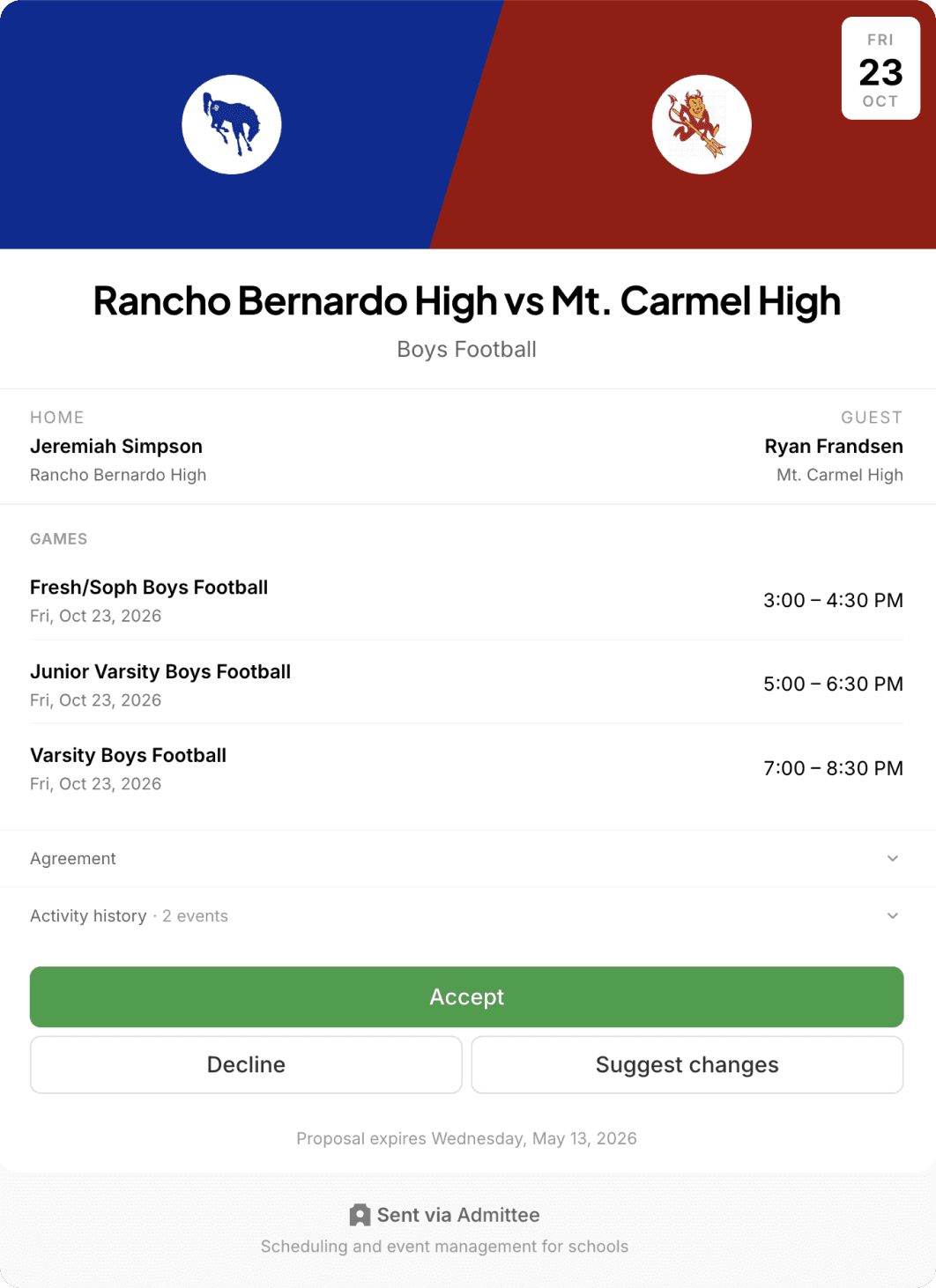
Game contracts are just the start
Signed contracts connect to your calendar, your ticketing, and your payment collection — so when a game is on the books, everything else follows automatically.
Trusted by schools and organizations across the country





Common questions about game contracts
Build your schedule without the back-and-forth
Send your first contract in minutes. No setup fees, no commitments.